Vice Hub — the desk you arrange yourself.
58 live market elements, a Hyperliquid wallet scanner and two charting engines on one canvas. Drag anything anywhere, keep as many layouts as you want, and open it on a second monitor. No account, no sign-up, no trial.

What you can put on it
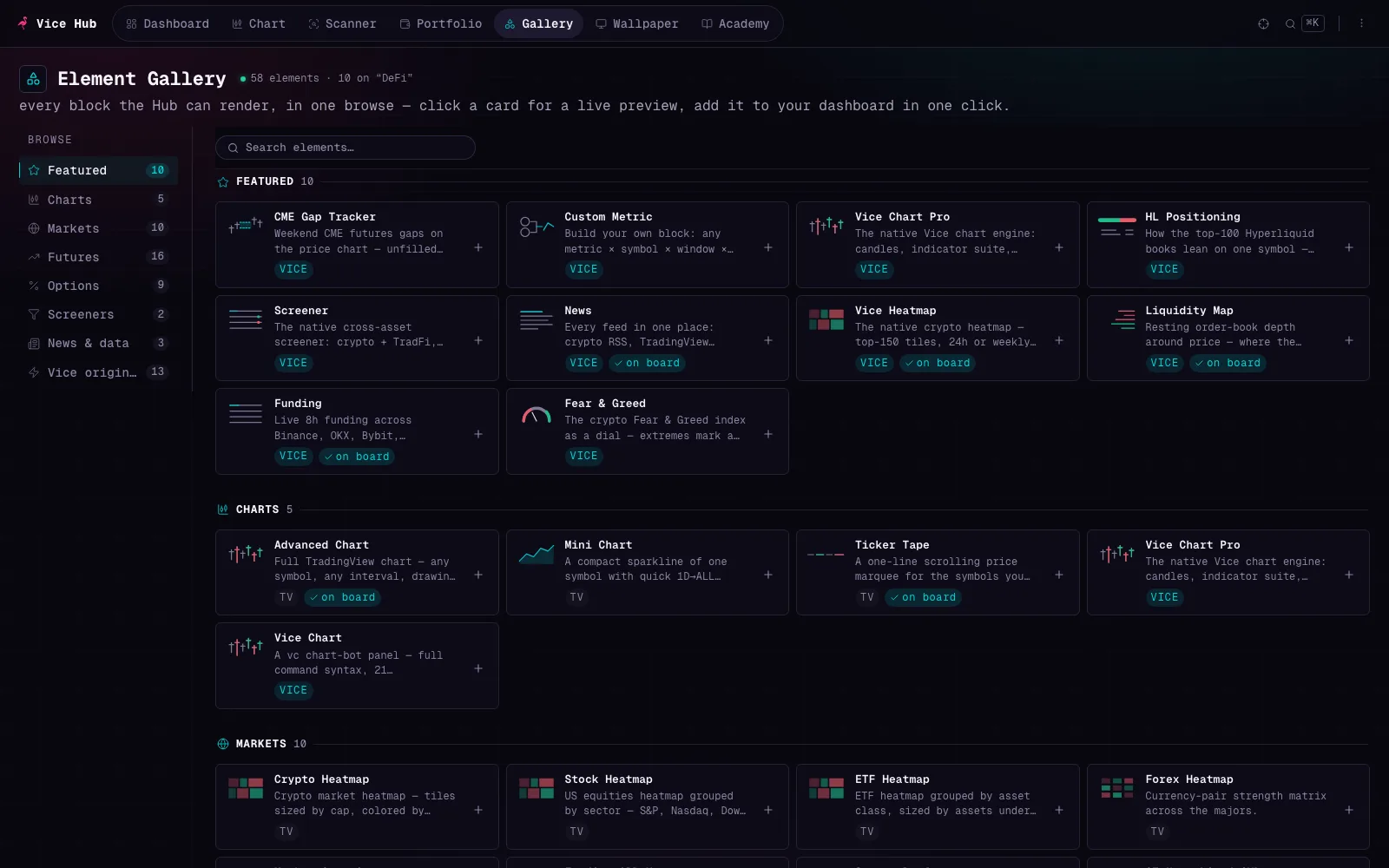
58 elements across seven categories. Thirteen are built by us against exchange APIs directly; the rest are TradingView embeds, and every block says which it is so you always know where a number came from.
Vice Scanner
The part of the Hub that does not exist anywhere else for free. It reads Hyperliquid's public leaderboard and turns the top 100 books into something you can actually interrogate — who is positioned where, how crowded a trade is, and what a given wallet just filled.

Leaderboard
Rank the board by PnL, ROI, volume or equity over 24h, 7d, 30d or all time. Open any wallet for its live positions, orders, liquidation distance and fill history.
Positions & Markets
Filter the cohort down to one market and see every book holding it — long against short, by notional, so you can tell a consensus trade from a lonely one.
Tracked
Star a wallet and its book appears in your Tracked view, with an alert on every new fill. Stars live in your browser, so nobody knows who you follow.
Scanner shows past performance from public data on a delay, on a board that by construction cannot include the traders who blew up. The Hub explains exactly how the cohort is built, in the product — and the honest caveats are in terms & risk.
Built for a screen you leave open
Focus mode
Type a ticker and the whole page becomes a one-symbol desk — chart, stats, positioning, liquidations. Press Escape and your layout is back exactly as it was.
Layouts and presets
Start from the DeFi, TradFi or Macro preset, then build as many boards as you like. Switch with the number keys; export any of them to JSON.
Command palette
⌘K searches every symbol, element and action. It finds US equities live, so "nvidia" gets you NVDA without knowing the exchange prefix.
Portfolio
A spot-holdings tracker that reads wallet balances straight off nine chains — no keys, no login. Add manual lots with entry prices, or point it at an address.
Wallpaper mode
Throw the desk on a TV: eleven full-screen ambient displays — dot-matrix VFD, vector scope, split-flap board, cockpit tapes — all drawing live market data.
Themes
Vice, Midnight or Daylight — the whole hub re-skins in one click, charts and embeds included, with contrast that holds up in every mode.
What "no account" actually means
Your layouts, watchlists and tracked wallets are written to your browser's local storage and never uploaded — we have no copy and no way to get one. The trade-off is real and worth knowing before you build a board you care about: clearing your browser storage deletes it, and it will not follow you to another machine. Export layout is your backup.
The live data itself obviously does travel — your browser fetches it from Hyperliquid, TradingView and our proxies. The full detail is in the privacy page.
Open it and see.
Loads a working board on arrival. Nothing to sign up for.
Open Vice Hub